New Features
Floor Templates
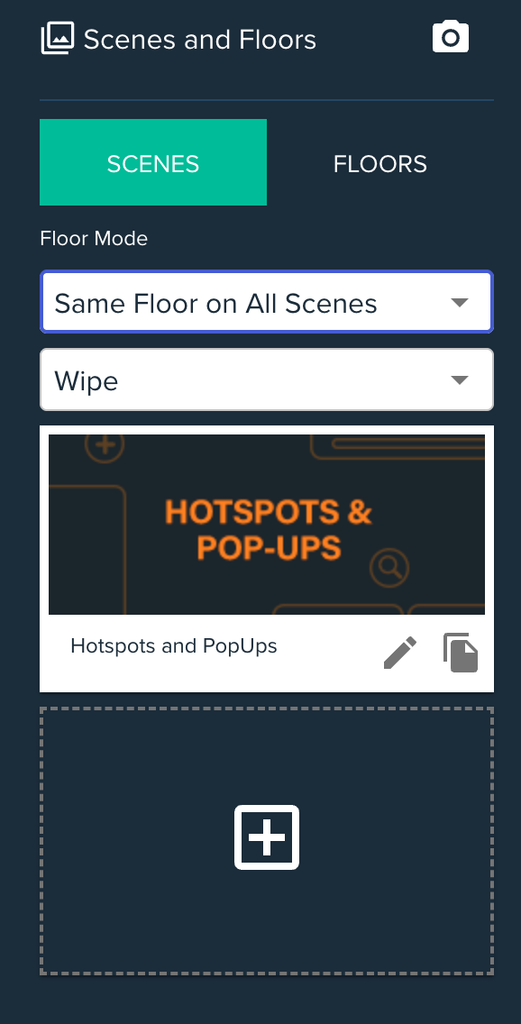
Floors can now be created just like scenes in Discovery and linked up to display alongside specific scenes. Seven templates are available to start with: Media Background, Wipe, Footsteps, Splat, Scatter, Magnetism and Water.
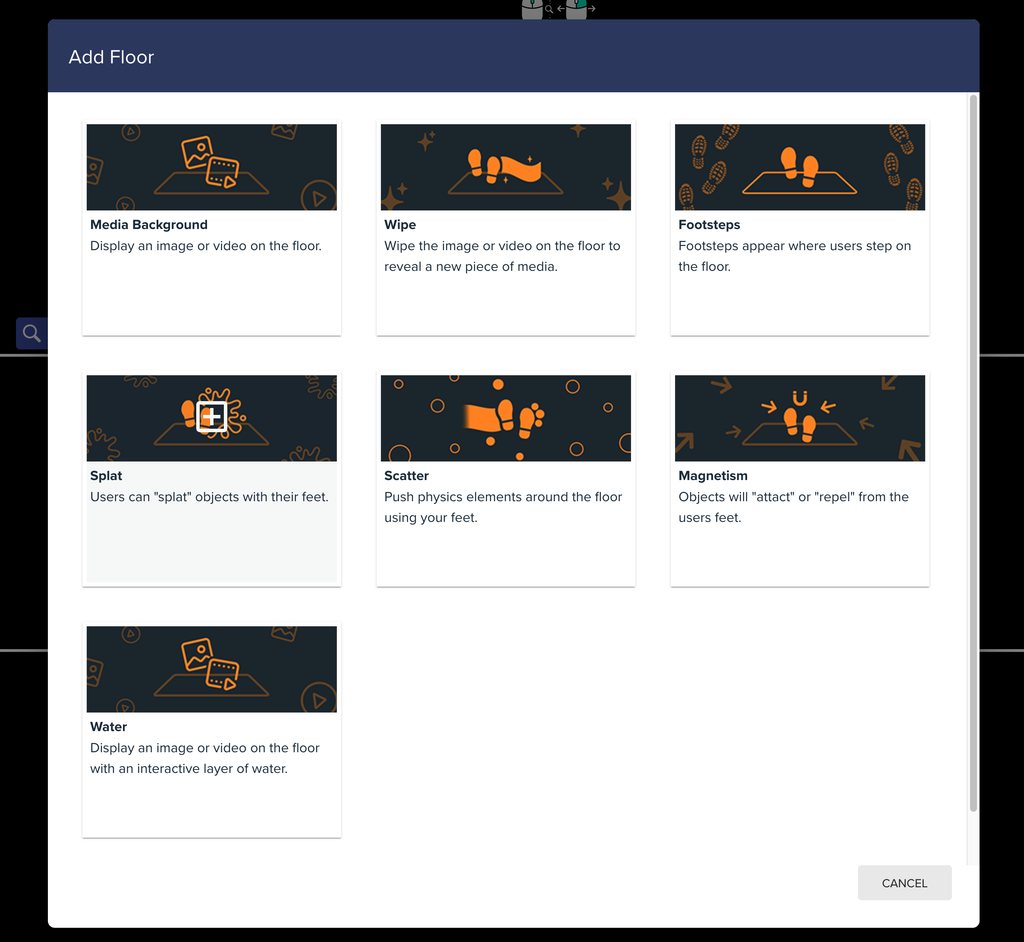
There are three Floor Modes to choose from:
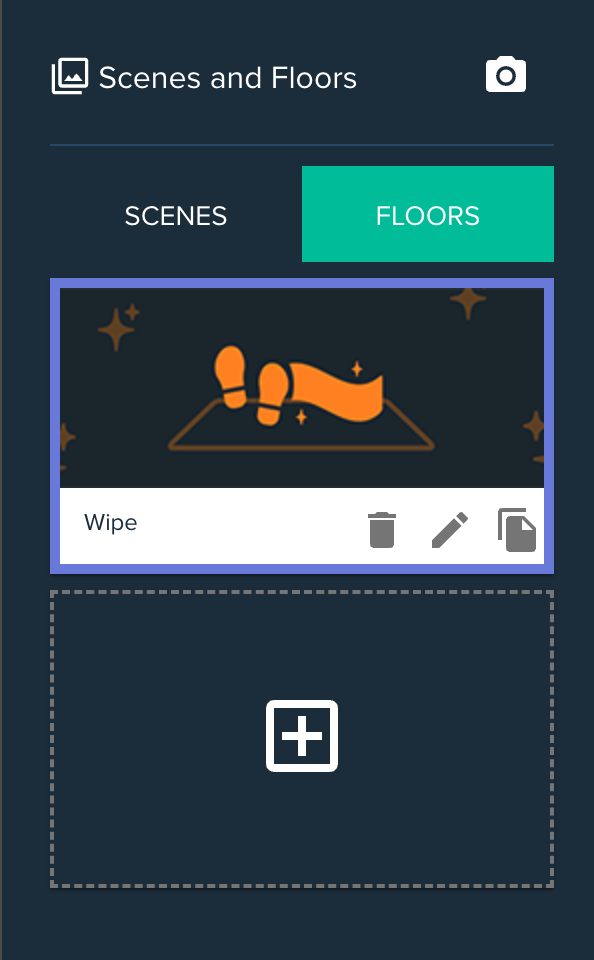
- Legacy: keeps existing experiences working as before.
- Single Floor: one floor is used for all scenes.
- Per Scene: each scene has its own floor. A single floor can be shared across several scenes.
Water Floor Improvements
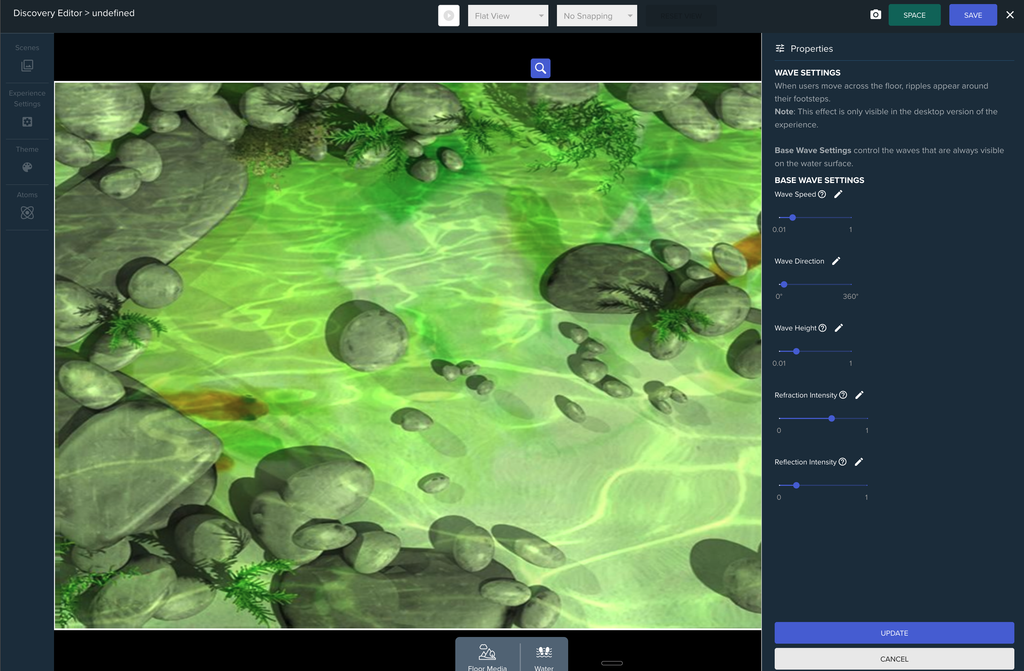
- Aspect ratio: the Water floor now correctly matches the Physical Aspect Ratio.
- Wave stability: fixed some cases where waves could grow out of control.
- Ripples: improved the look of wave ripples.
Polymer “Set All” in the Atom Setter
The Atom Setter now supports the new Polymer Set All function, so you can change every element of a Polymer at once using the =, += and -= operators. This needs a matching update on the React side to be fully functional.
Bug Fixes
- Video Switcher: Video Draggables using the Atom Video Switcher now work correctly when the starting index isn’t 0.
- Media Switchers in Edit Mode: Atom Media Switchers no longer change the media shown on Image and Video Draggables in Edit Mode. Use each element’s Preview button to view other media while editing.
- Wipe Scenes: fixed the previous scene’s background sometimes being visible on Wipe Scenes.